Regions Bank: Cognitive Banker Assist
Regions Bank
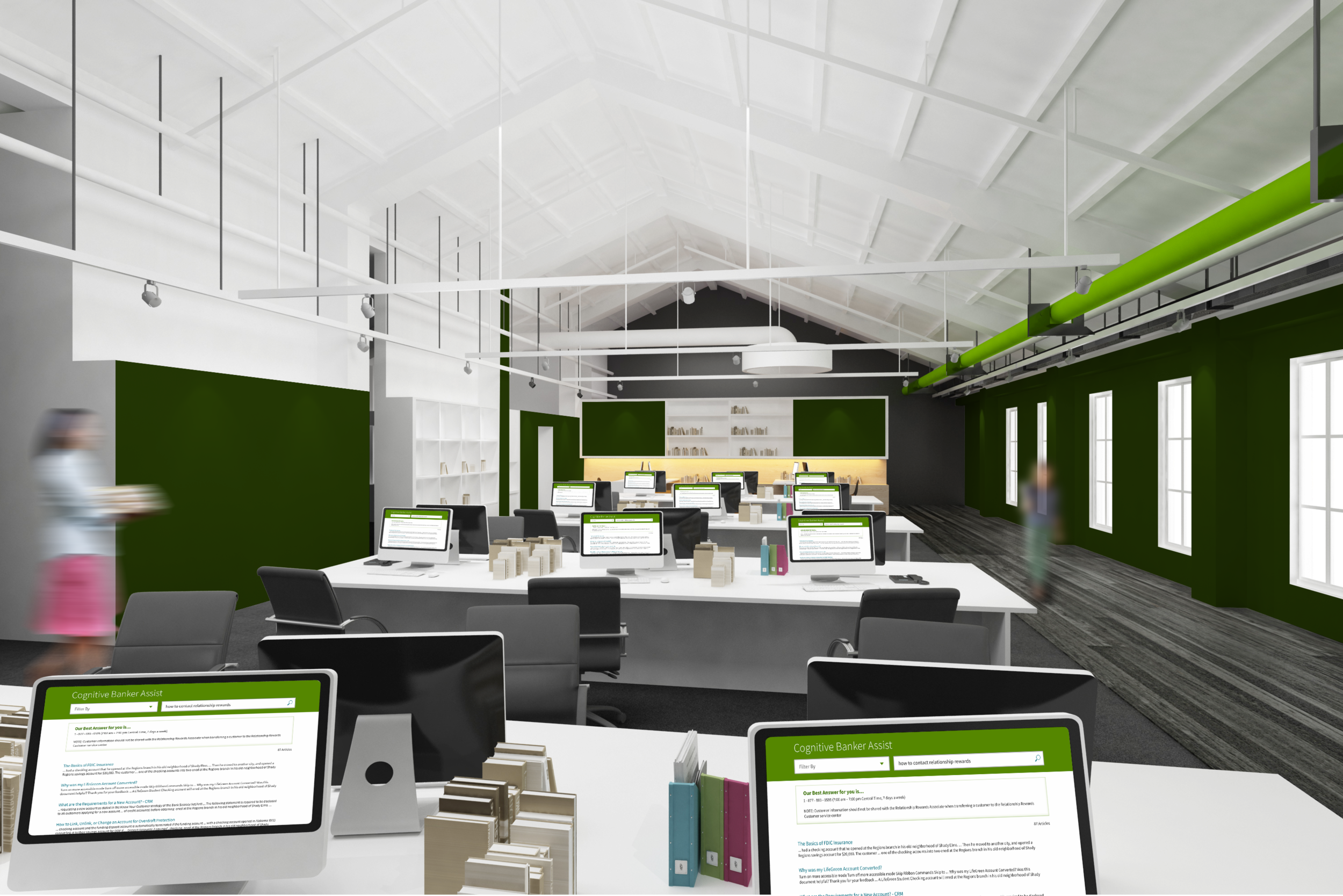
Regions Bank brought an IBM team onsite to create the Cognitive Banker Assist tool. This internal tool is a custom-built Watson integrated platform to help their customer service representatives both with accuracy and speed of response when speaking with customers of Regions Bank on the phone.
Cognitive Banker Assist
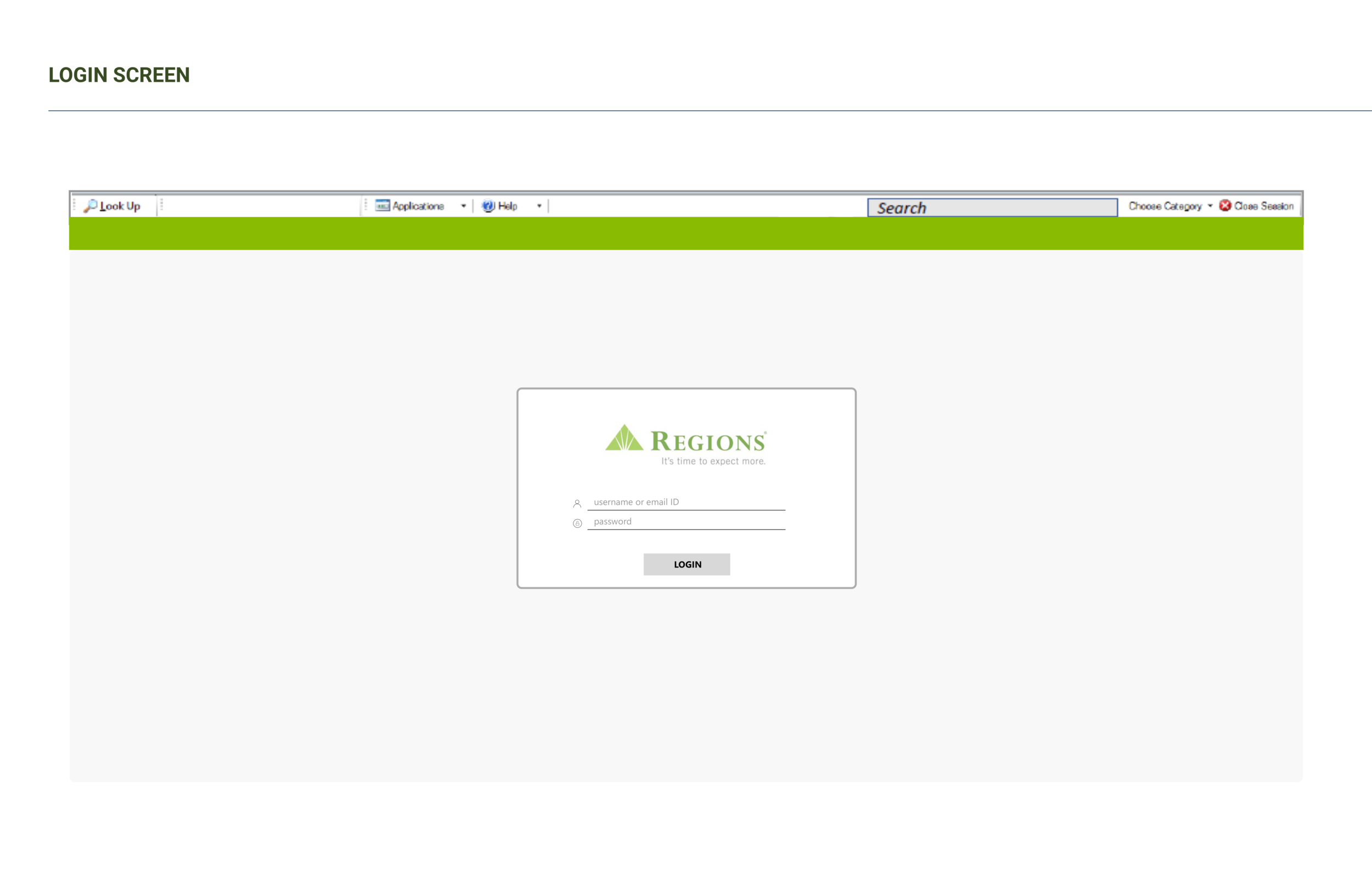
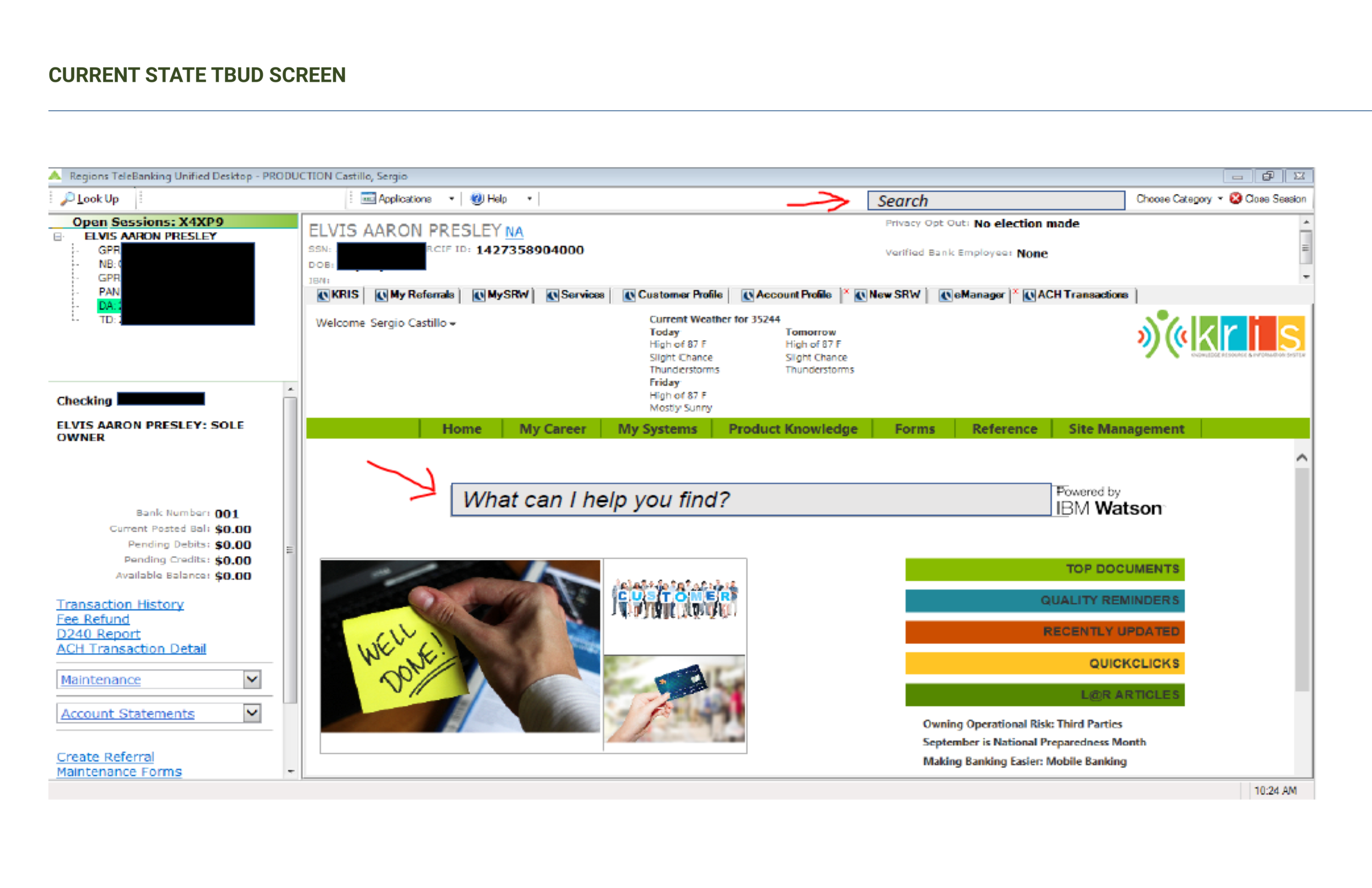
IBM built the Cognitive Banker Assist (CBA) tool to live inside of a Regions desktop application, TBUD. My responsibility as the designer on the account was to work alongside the Watson Cognitive Team during this integration to ensure we created a process that not only improved the user experience and interface, but also could be easily transitioned to the customer service representatives. Through studying the frequently asked questions and observing customer service agents, we created user stories; these translated into prototypes, then wireframes, and eventually a developed, functional tool.
Project Details
This project was from August 2017-December 2017. Cognitive Banker Assist was successfully deployed and tested and is currently running in the Customer Service Centers at Regions Bank Headquarters, in Birmingham, AL.
Role: UX/UI Designer
Cognitive Banker Assist
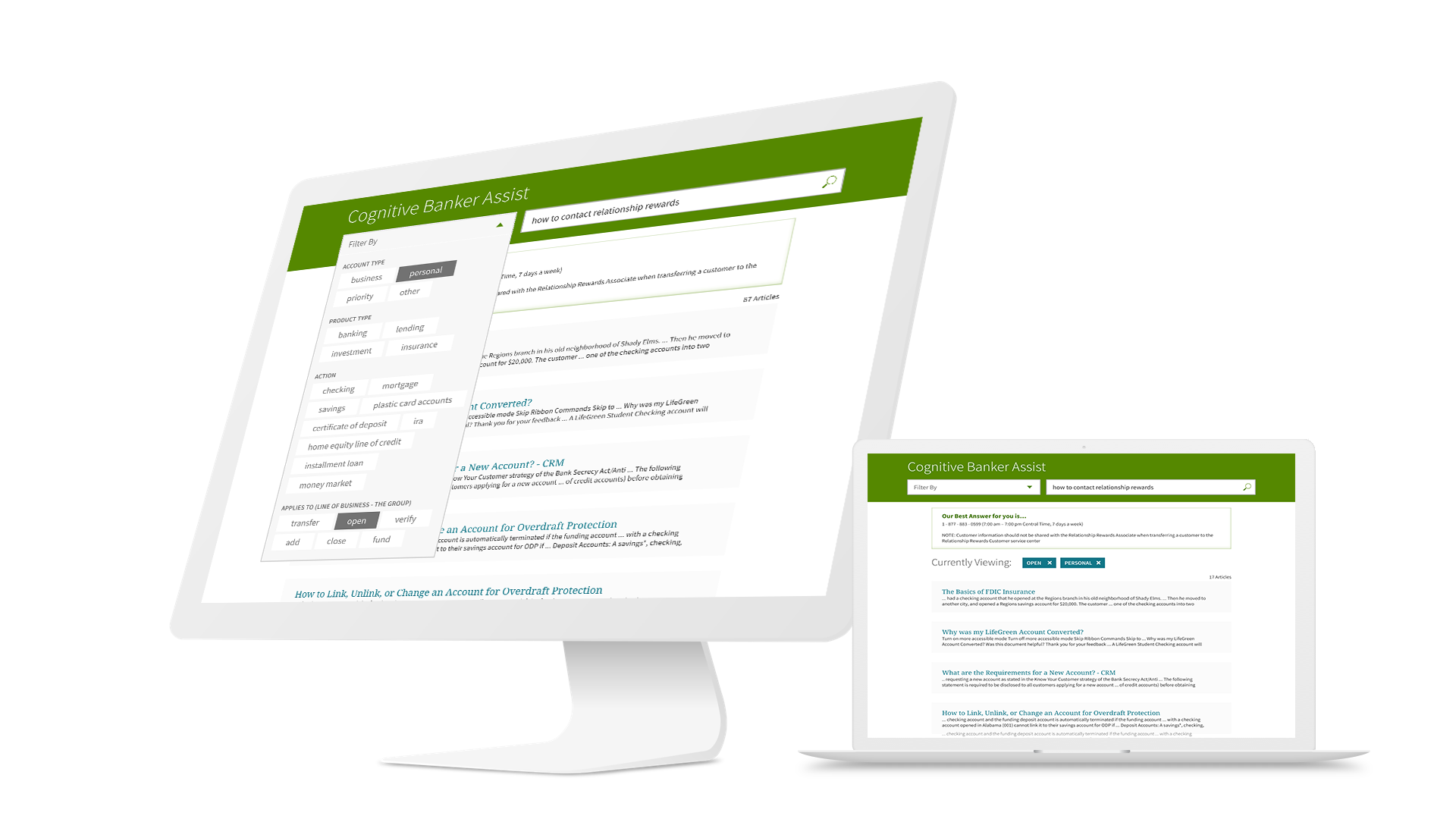
Cognitive Banker Assist Tool
The Cognitive Banker Assist (CBA) tool our team built aimed to increase the response speed and accuracy of the Customer Service Representative. In order to accomplish this, IBM's Watson Explorer technology allowed users to enter 'natural language' questions and receive appropriate responses in order of relevance. As the designer, I not only studied the Regions Bank Customer Service Representatives requirements, but also the capabilities of IBM's Watson technology to understand the most proficient user experience possible.
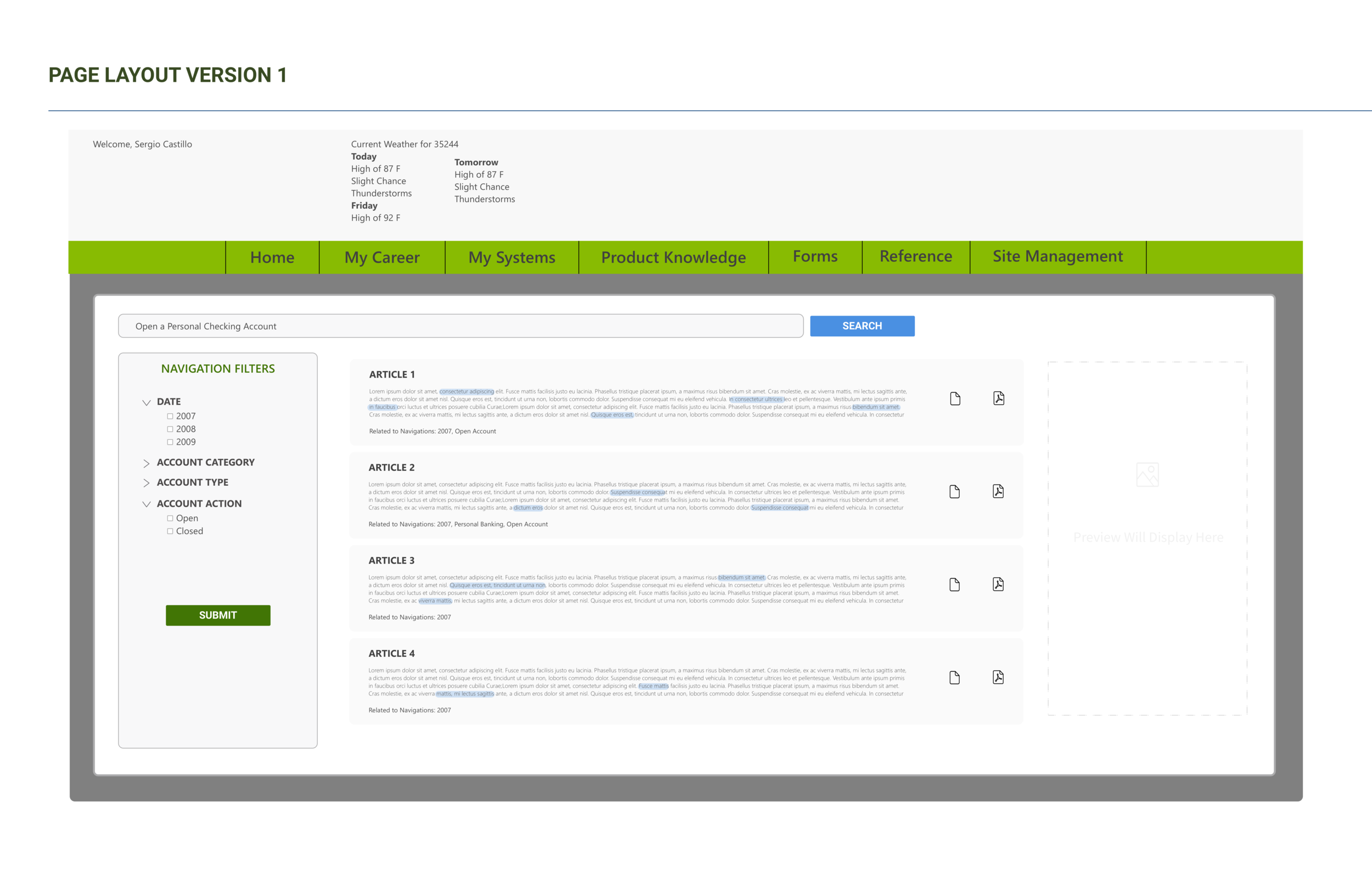
When a Customer Service Representative enters in a natural language question, there will be 2 different Watson searches running in the back end. To best communicate relevance, our team decided to treat the page like a Google search engine. Since Watson Explorer returned what would be similar to a "Quick Answer" I placed that on the top of the page in a light box, and the articles beneath. This layout both logicially and visually made sense. Beyond this, If the initial response of articles seemed too high, the user would have the option to narrow down the search via a multi-filter.
UX Mapping for Cognitive Banker Assist
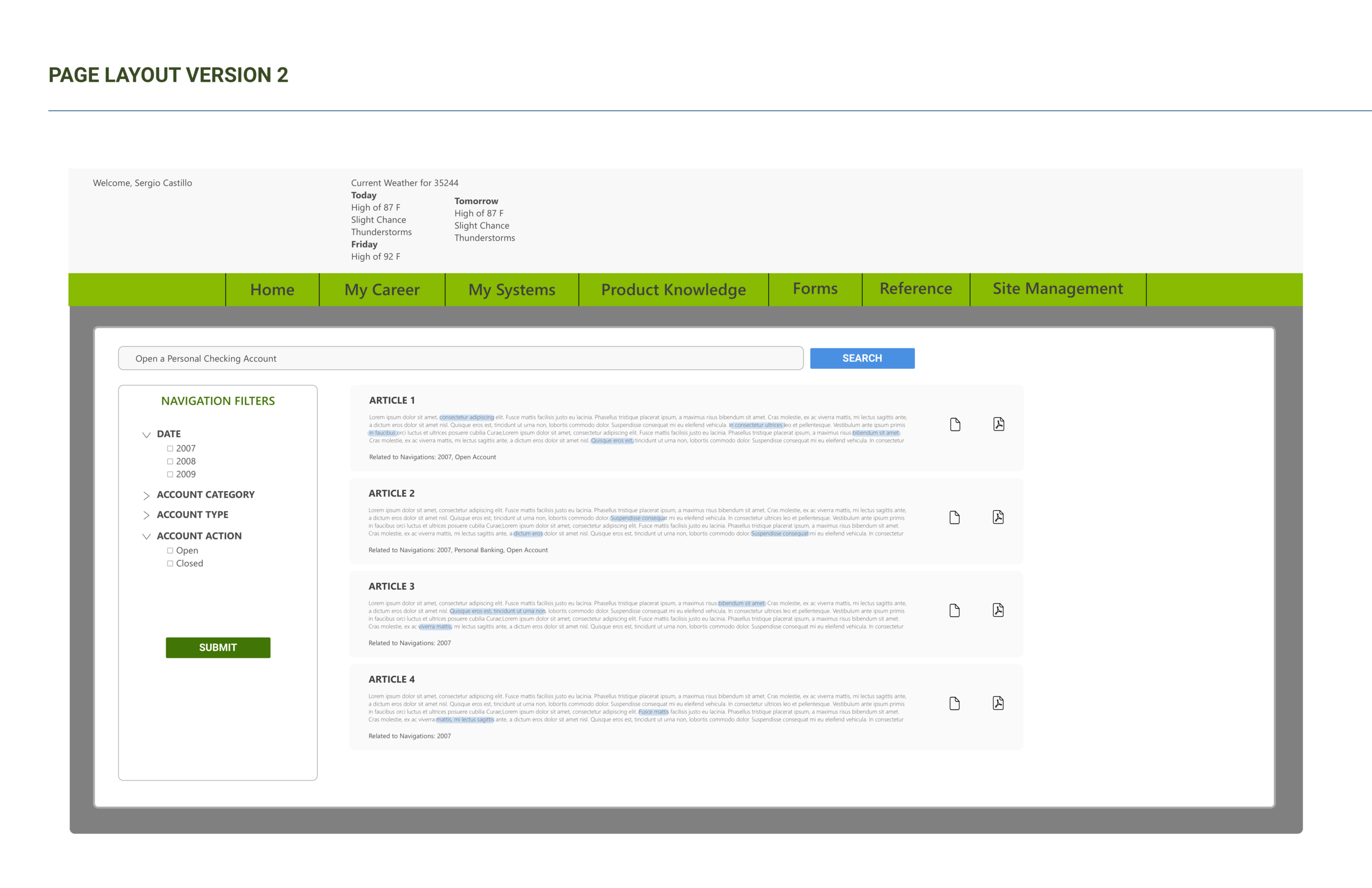
User Stories for Cognitive Banker Assist

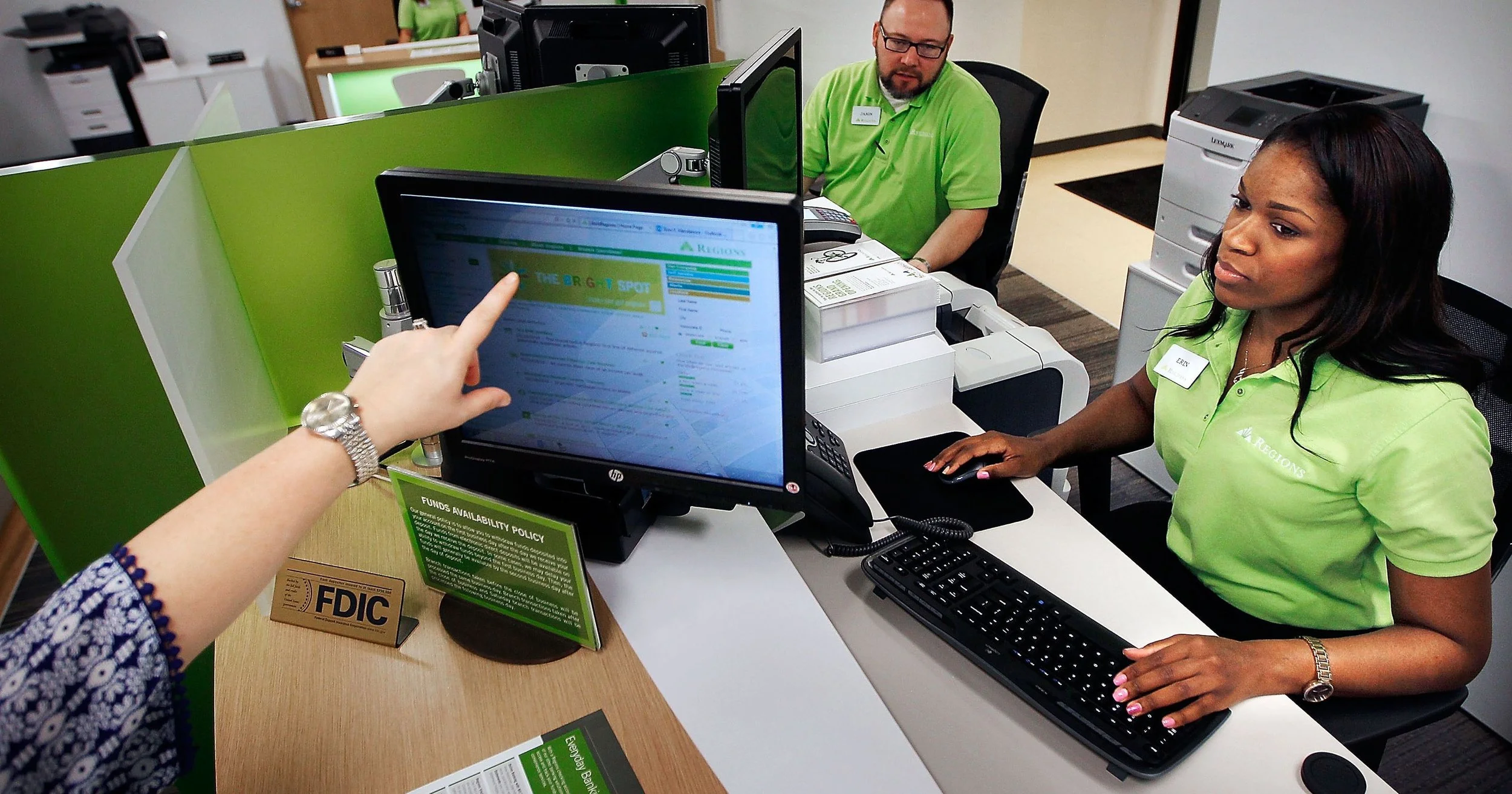
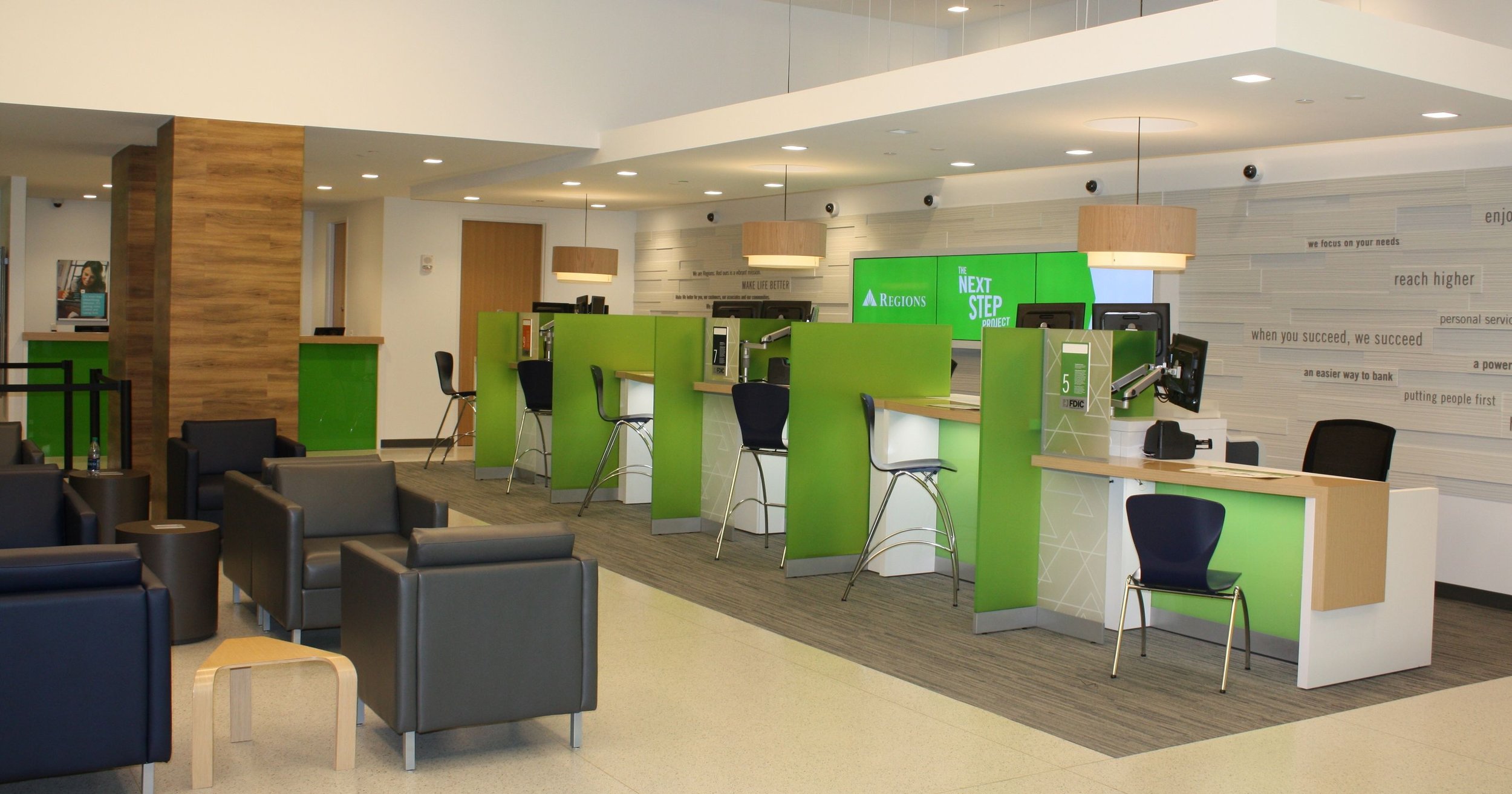
Field Research/Customer Service Center
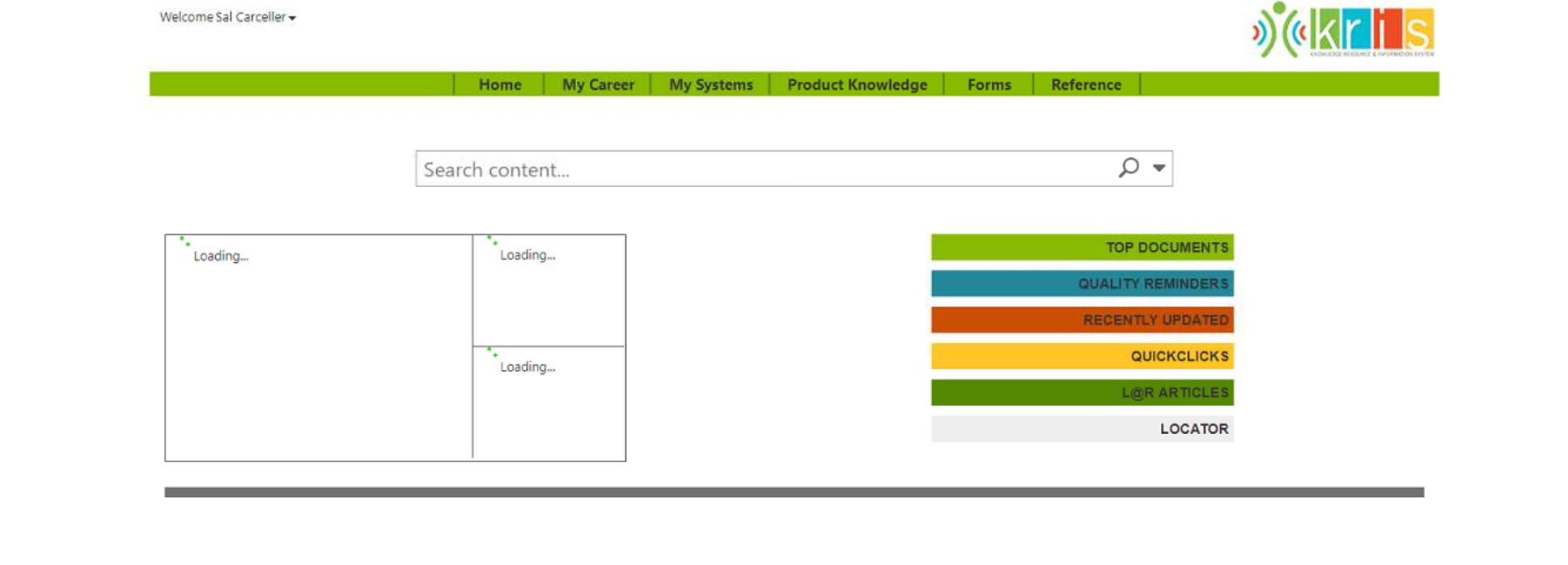
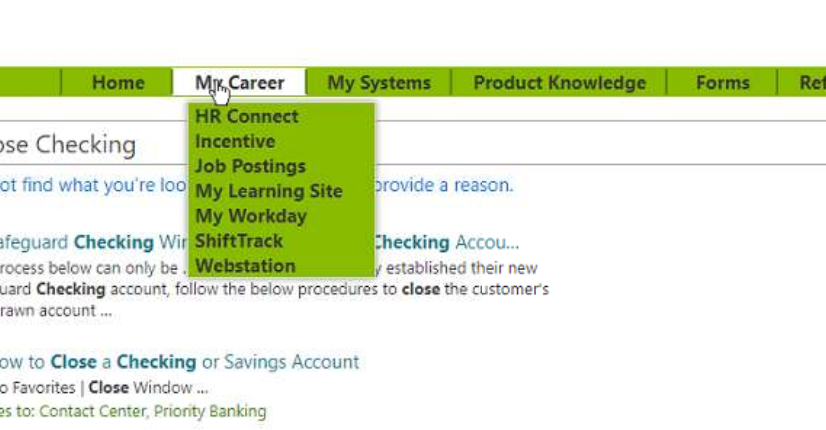
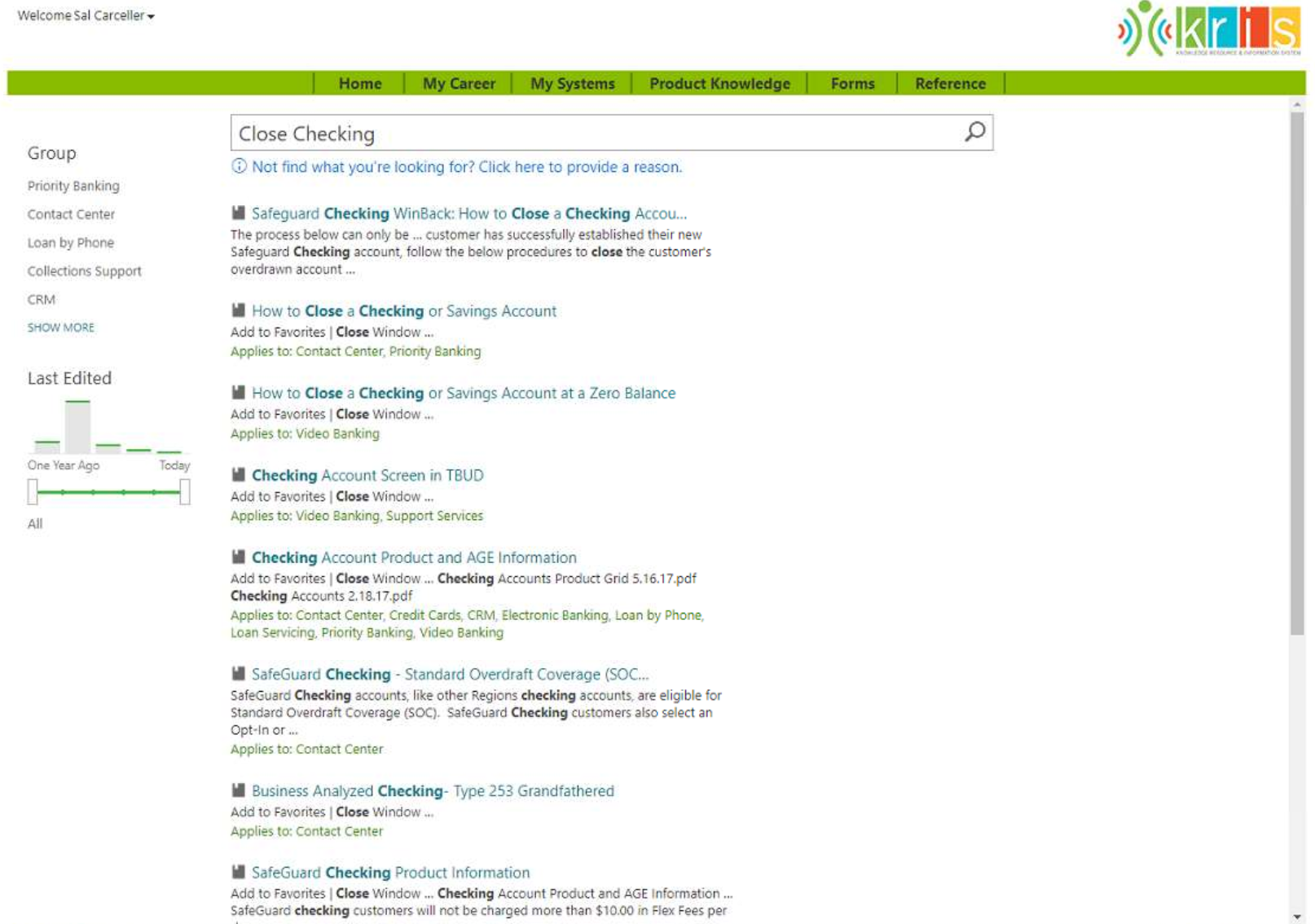
Initial Regions Bank Internal Customer Service Portal